Free online whiteboard
The online whiteboard built for live teaching
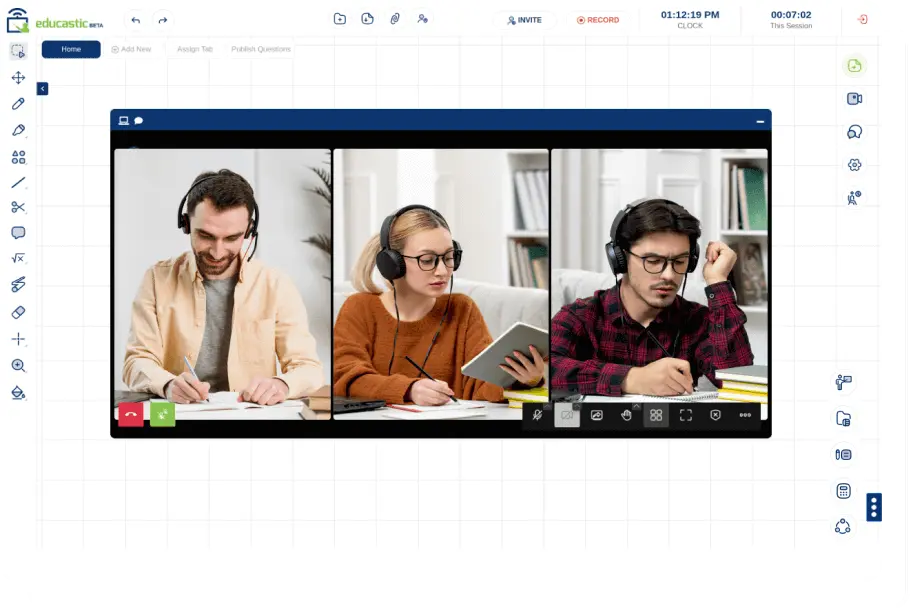
Draw, write and annotate together in real time, with video, chat, screen sharing and recording in the same browser tab. Made for teachers by teachers, with every teaching feature in the free version.
- No download or plugin
- Works on any browser
- English and Spanish
Everything a live class needs, on one board
Run the whole lesson from the whiteboard instead of juggling a video app, a drawing app and a file folder.
A whiteboard made for teaching
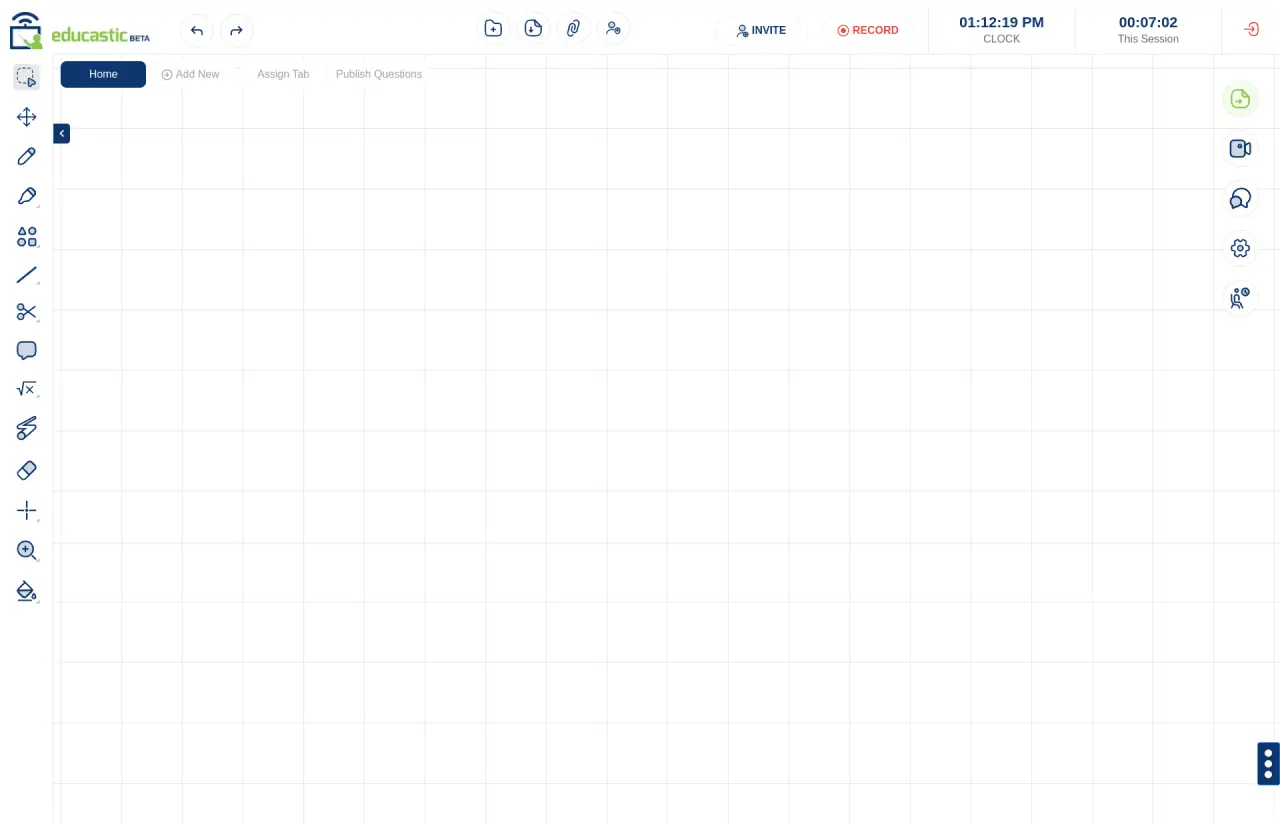
Pens, highlighter, laser pointer, shapes, text, sticky notes, eraser and zoom, on dotted, lined or plain grids. Open as many whiteboard tabs as the class needs.
Annotate PDFs, documents and images
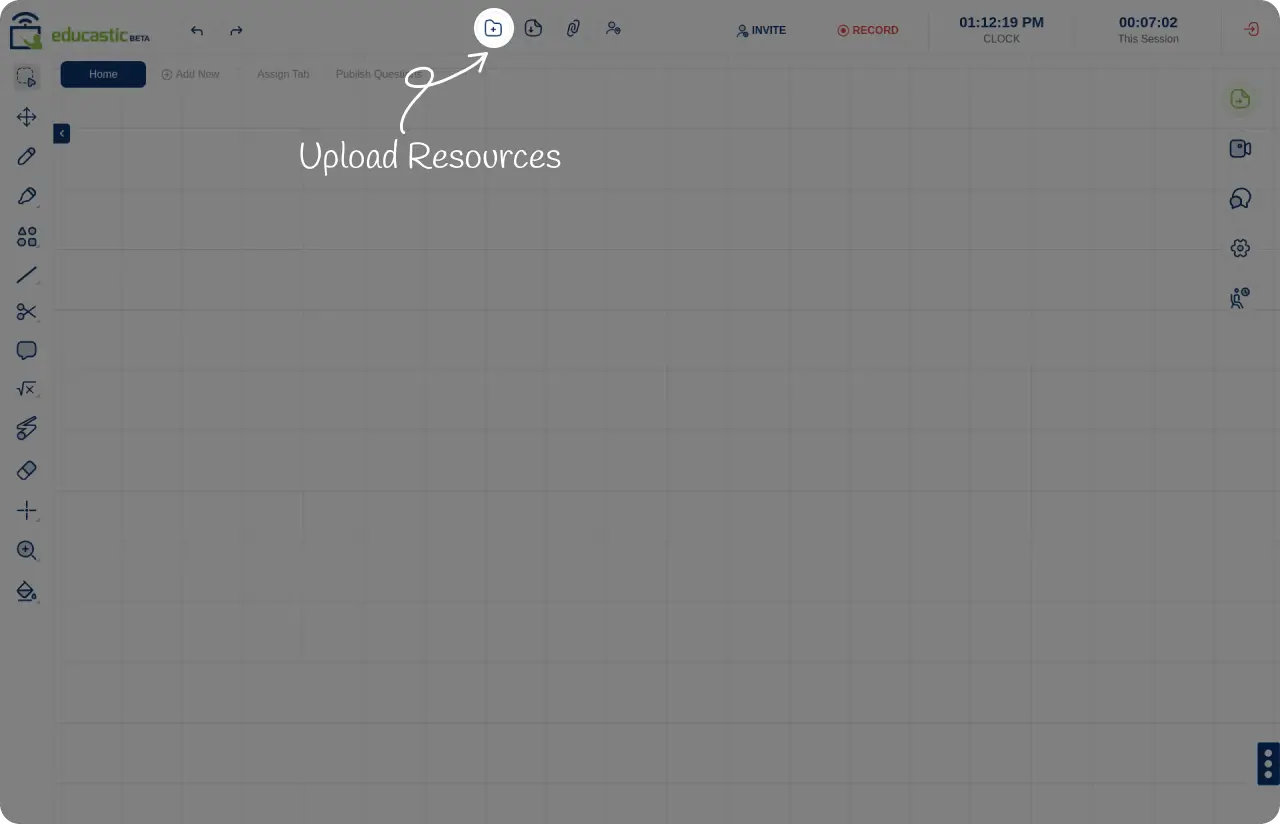
Load a worksheet or slide deck onto the board and mark it up live. Import files from Google Drive, Dropbox, OneDrive or a YouTube link.
Video and audio built in
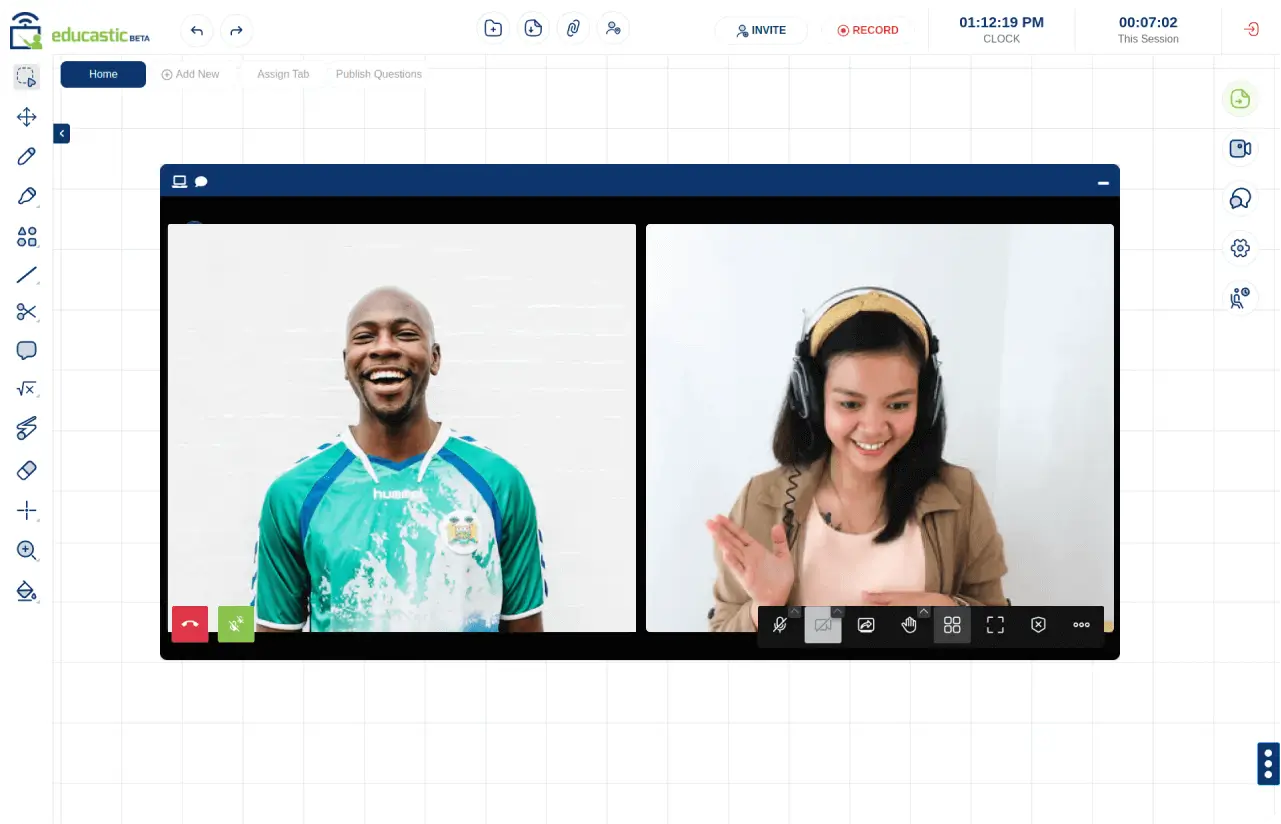
See and hear your students right next to the board, in the browser, with no plugins and no separate meeting link.
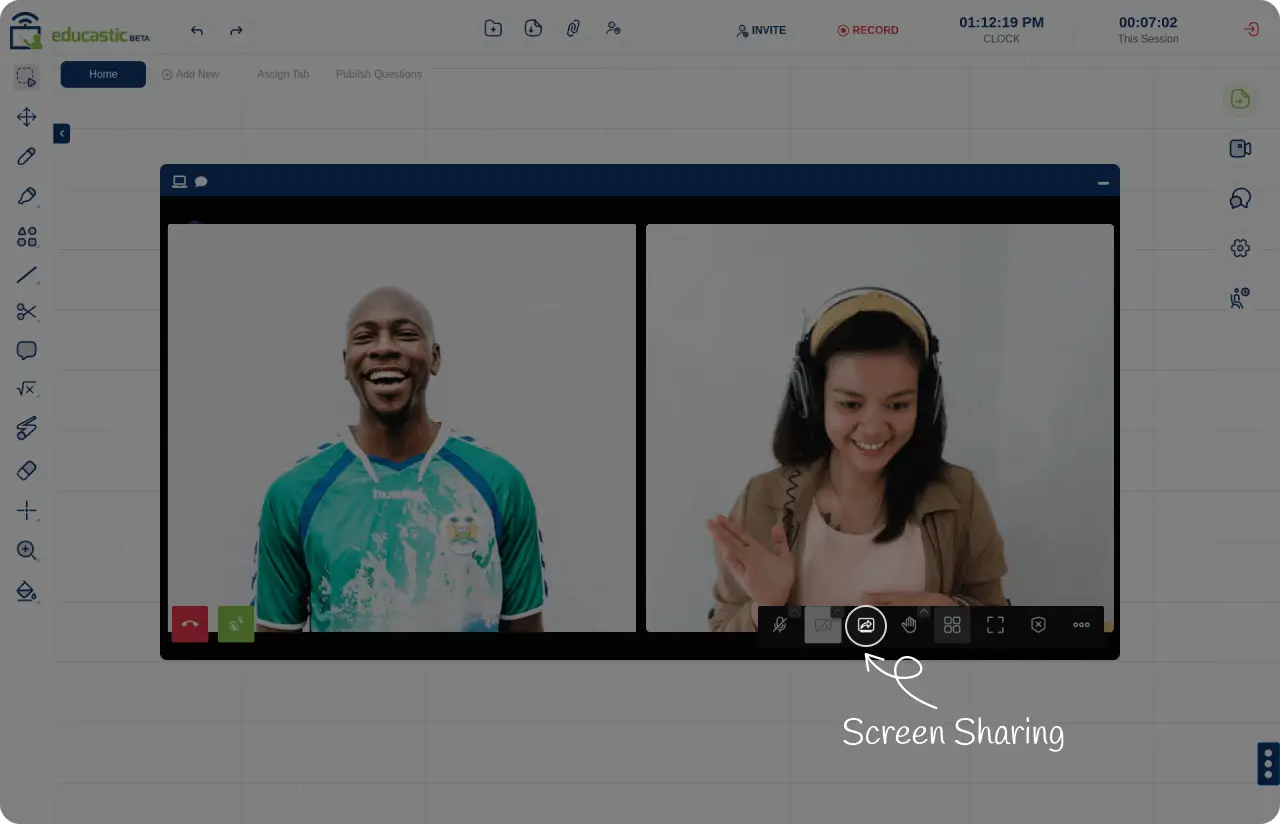
Screen sharing
Share your whole screen, one application window, or a single Chrome or Edge tab whenever you need to show something outside the board.
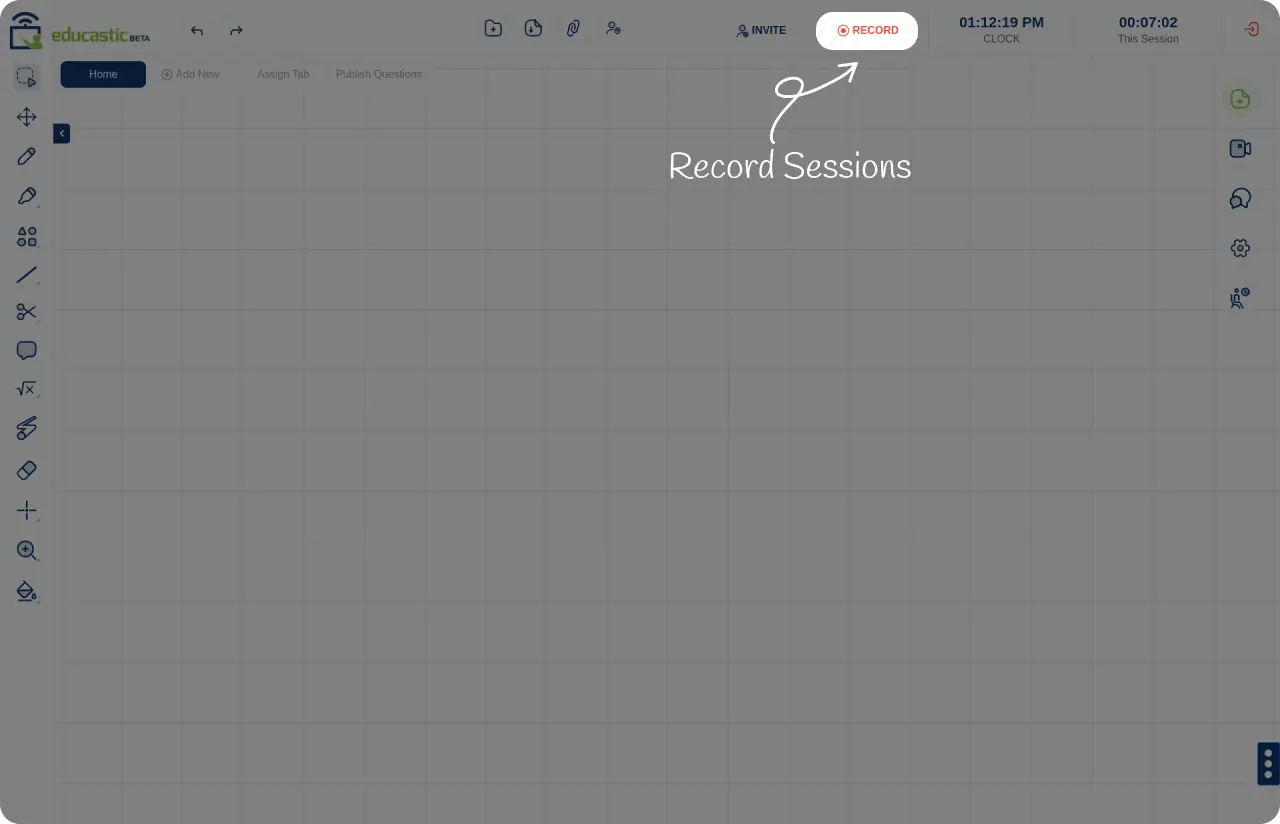
Record every session
Start a recording from the top toolbar so students can review the lesson later, at their own pace.
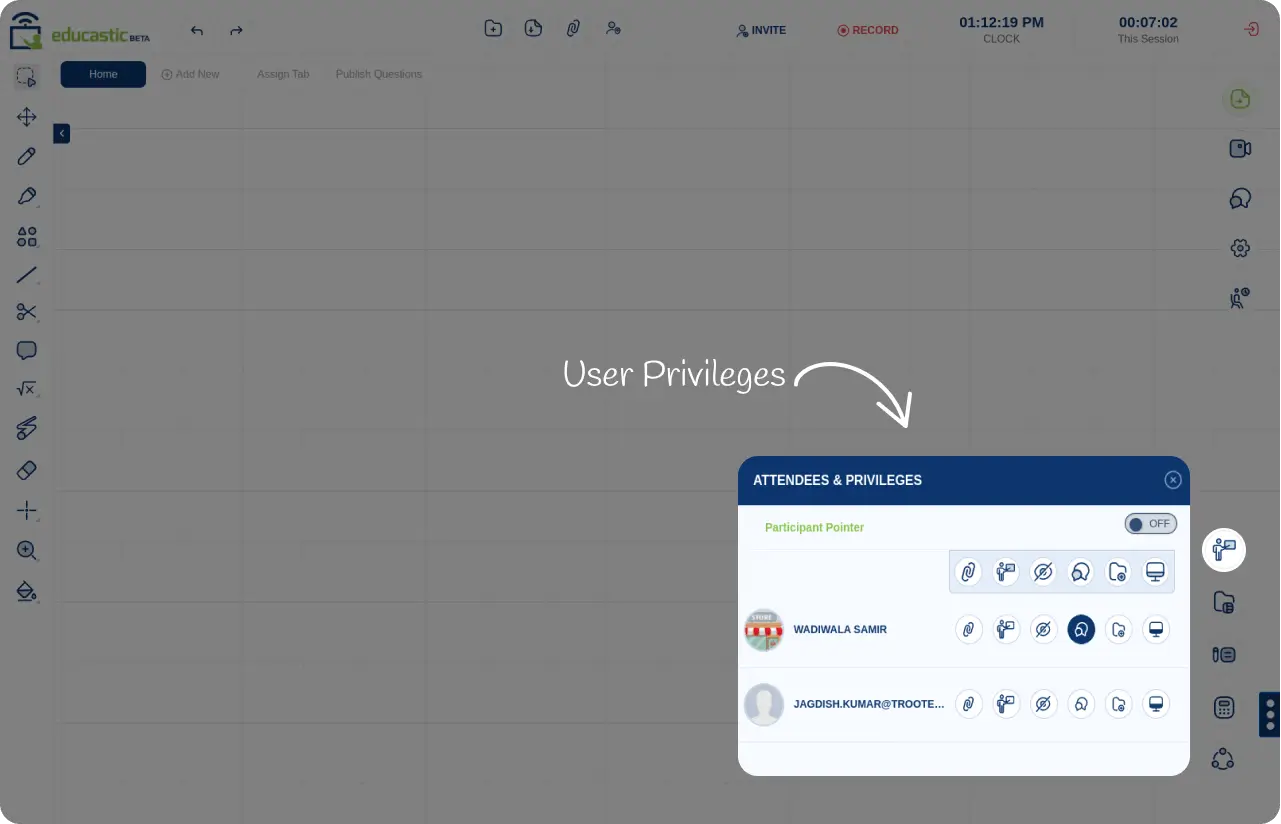
You stay in control
Give a student the pen, file sending or tab access, and take it back at any moment. Use the waiting room and co-hosts for bigger classes.
Teaching tools you will not find on a plain whiteboard
- Graphing with Desmos
- Scientific calculator
- Notebook and sketch pad
- Polls, tests and questions
- Chat with private messages and voice notes
- Share audio, video and YouTube with the class
- Download a session's resources as one PDF
- Participation and performance reports
Who uses the Educastic whiteboard
Teachers and tutors
Teach one-to-one or in groups, and offer tutoring on the Educastic marketplace.
Start freeSchools and institutions
A virtual classroom that goes beyond a simple video call.
Education solutionsCompanies
Interactive corporate training with recording and collaborator reports.
Training solutionsStart your first class in three steps
-
Create a free account
Sign up with your email, or with Google, Facebook or LinkedIn.
-
Start or schedule an educast
Begin a class right now, or schedule one with a set number of guests and a duration.
-
Invite your students
Share the class link by email or WhatsApp, or invite people from inside the session.
Online whiteboard: frequently asked questions
Yes. All teaching features are available in the free version, including the whiteboard, video, chat, screen sharing and recording.
No. Educastic runs in the web browser. Students join from the class link, with nothing to download.
Classes have been tested with as many as 49 attendees, and more can join.
Yes. Upload documents, PDFs and images to the whiteboard and annotate them live, up to 10 MB per file with no limit on the number of files.
Yes. Start a recording from the top toolbar of the whiteboard so students can watch the lesson again later.
Yes. Use grid backgrounds, shapes, the scientific calculator and built-in graphing with Desmos alongside your drawings.
Ready to teach your next class online?
Open your free whiteboard in under a minute.
Start teaching free