Back
Back
12 Interactive Whiteboard Activities for Your Online Class

In this article
- How do you set up the board for activities?
- Which activities work with diagrams and images?
- What can students do with sticky notes?
- How do you check understanding with a board activity?
- Which activities let the whole class build something together?
- Which activity fits which lesson moment?
- How do you run board activities smoothly?
- Frequently asked questions
- Try one activity in your next class
The best interactive whiteboard activities for an online class are short tasks students do on the board themselves: label a diagram, sort sticky notes, spot the mistake, brainstorm, put steps in order or answer a quick test with a countdown. Each takes 3 to 10 minutes, needs one board tab and works with one student or a small group.
How do you set up the board for activities?
Set up the board before class by giving each activity its own tab, a fitting background and a written instruction.
- Open one tab per activity. A fresh tab feels like a clean board and keeps finished work intact for later.
- Pick the right background. Use a ruled or dotted background for writing, a coordinate plane for graphs and a blank background for diagrams.
- Prepare the prompt in advance. Upload the image or PDF and write the instruction at the top of the tab before students arrive.
- Decide who gets the pen. Grant drawing access to one student, a few students or everyone, depending on the activity.
Which activities work with diagrams and images?
Diagram and image activities ask students to label, annotate or redraw a visual, which checks vocabulary and observation at the same time.
1. Label the diagram
Drop an unlabelled image onto the board (a cell, a map, a machine, the parts of a sentence) and add empty text boxes or arrows. Students take turns placing labels. Ask each one to say why before they write.
2. Annotate the source
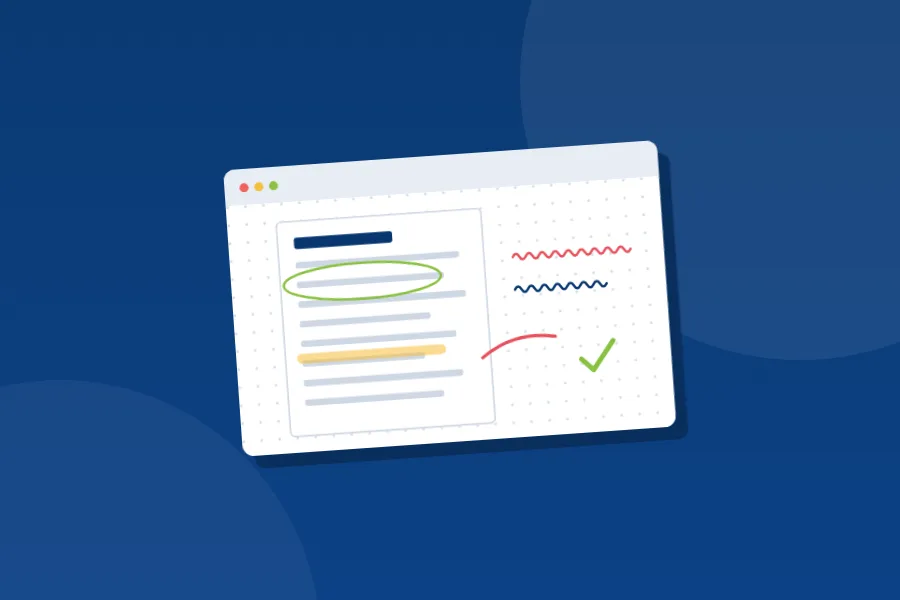
Upload a short text or historical source as a PDF. Students highlight evidence in one colour and write questions in another. Two colours make it easy to see who noticed what.
3. Draw it from memory
Show a diagram for thirty seconds, switch to a blank tab and ask students to redraw it. Then switch back and compare. This is retrieval practice that feels like a game.
What can students do with sticky notes?
Sticky notes work best for brainstorming, sorting and sequencing, because students can add ideas without erasing anything.
4. Sticky-note brainstorm
Write a question in the centre of the board. Each student adds two or three sticky notes with ideas. Read them aloud, then group similar notes together as a class.
5. Sort it
Prepare sticky notes with words, numbers or examples, and draw two or three labelled columns or circles. Students draw an arrow from each note to the right group: living or non-living, verb or noun, acid or base. Disagreements are the best part, so let students argue their case.
6. Put it in order
Scramble the steps of a process, the events of a story or the lines of a proof on sticky notes. Students rebuild the correct sequence. Number the final order with the pen once the class agrees.
How do you check understanding with a board activity?
Check understanding with an activity that makes errors visible: spot the mistake, finish the sentence or a quick test with a countdown.
7. Spot the mistake
Write a worked example with one deliberate error. Students circle the wrong line and write the correction beside it. This shows you whether they understand the method, not just the answer.
8. Finish my sentence
Start a sentence, a calculation or a definition and stop halfway. A student completes it on the board, then the next student extends it. It works well for vocabulary and for multi-step problems.
9. Quick test with a countdown
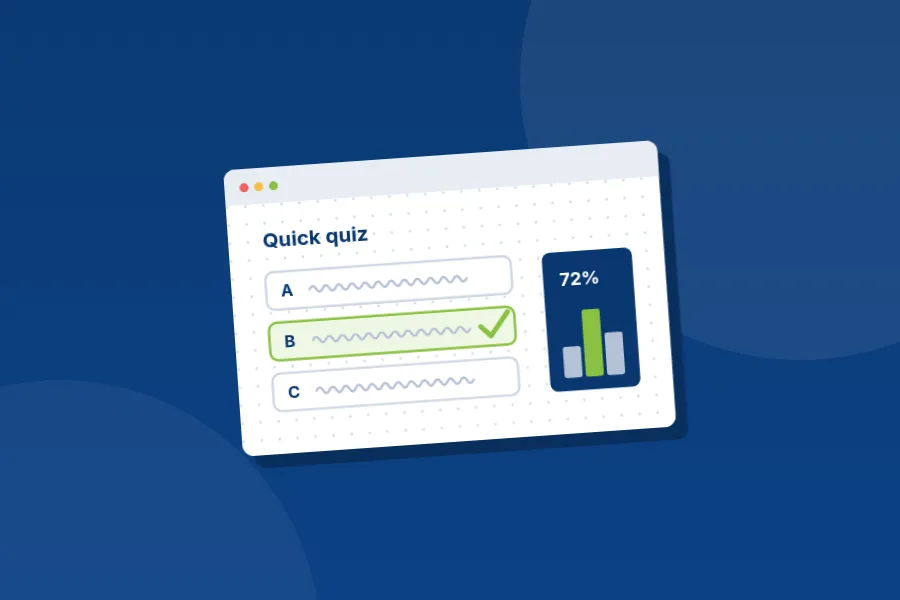
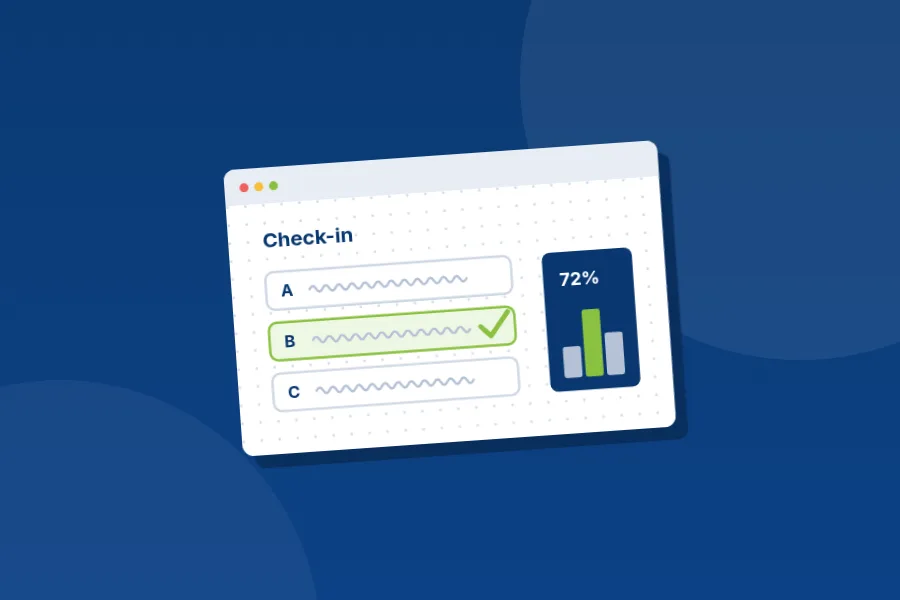
Publish a short Educastic in-class test of three or four questions. Students answer against a countdown, and you see a summary of the answers right away. If most students miss one question, reteach it on the board before moving on.
Which activities let the whole class build something together?
Relay activities, where each student adds one piece and passes the pen, let the whole class build a mind map or a set of predictions together.
10. Mind map relay
Draw the topic in a cloud shape in the centre. Each student adds one branch with an arrow and a short label, then passes the pen. By the end the class has built a shared summary.
11. Graph and predict
Plot a function or a data set with the Desmos graphing tool. Apply it to the board, then ask students to sketch on its tab where they think the line will move. Then change the function in the Graph tool, apply the new graph and compare predictions.
12. Exit ticket on the board
In the last five minutes, open a tab titled "Before you go" and ask each student to write one thing they learned and one question they still have. You get an honest picture of the lesson, and the tab becomes part of the session's resources.
Which activity fits which lesson moment?
Use quick recall activities to open, visual tasks for new content, sorting tasks for practice, error spotting to check and a shared summary to close.
| Lesson moment | Good activities | Time |
|---|---|---|
| Warm-up | Draw it from memory, sticky-note brainstorm | 3 to 5 minutes |
| New content | Label the diagram, annotate the source | 5 to 10 minutes |
| Practice | Sort it, put it in order, finish my sentence | 5 to 10 minutes |
| Check | Spot the mistake, quick test with a countdown | 5 minutes |
| Close | Mind map relay, exit ticket | 5 minutes |
How do you run board activities smoothly?
Run board activities smoothly by writing one instruction on the tab, keeping each task to 3 to 10 minutes and controlling who holds the pen.
- Give one clear instruction. Write it at the top of the tab so students can reread it.
- Keep it short. Most activities should take 3 to 10 minutes. Switch activity before attention drops.
- Take the pen back when you need to. Educastic lets the teacher give or remove a student's drawing access at any time, which keeps the board readable while you explain.
- Save the evidence. In Educastic, students can download the session's resources as a PDF, so their work becomes revision material.
For more on keeping a whole lesson lively, read how to keep students engaged in online classes.
Frequently asked questions
Can several students write on the board at the same time? Yes. In Educastic, the teacher chooses which students get drawing access and can give or take it back per student at any time.
Do I need special materials for these activities? No. Most need only text boxes, sticky notes, arrows and an image or PDF you already use.
How do I check whether every student understood? Run an in-class test with a countdown. Educastic shows the teacher a summary of the answers as soon as students submit.
Is Educastic free for teachers? Yes. Educastic includes all of its teaching features in the free version.
Try one activity in your next class
Pick one activity from this list, prepare it in a single tab and run it in your next lesson on the Educastic online whiteboard. For a full lesson structure, see how to teach online with a whiteboard.