Back
Back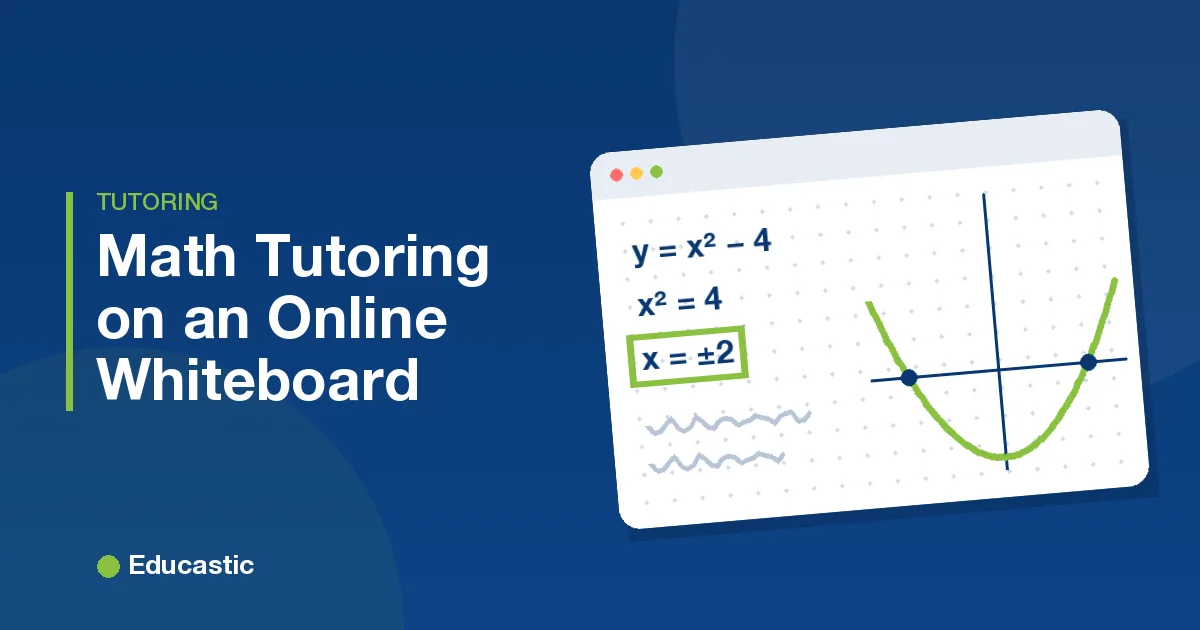
Online Whiteboard for Math Tutoring: 7 Techniques That Work

In this article
- 1. Why should online math always go on a grid?
- 2. How do you build a worked example online?
- 3. How do you see a student's working? Let them hold the pen
- 4. How do you graph a function on the whiteboard?
- 5. How do you mark up a student's homework online?
- 6. Use a fresh tab for each new idea
- 7. Should you record math tutoring sessions?
- What does a 45-minute online math tutoring session look like?
- Frequently asked questions
- Try these techniques in your next session
The best way to tutor math on an online whiteboard is to work on a grid, build each worked example line by line, let the student hold the pen, graph ideas instead of describing them, mark up the student's own homework, use a fresh tab for each idea and record the session. These seven techniques work one to one and in small groups.
Math is the subject that suffers most when a lesson becomes a video call. Students need to see every line of a solution appear in order, and tutors need to see where a student's working goes wrong. A good online whiteboard makes both possible again. Here is how each technique works in practice.
1. Why should online math always go on a grid?
A grid keeps equations straight, columns aligned and graphs readable, so switch the background before you start. On a blank page, equations drift and graphs bend. The Educastic whiteboard has dots, graph (squared), ruled lines, coordinate plane and isometric backgrounds. Columns line up for long division, coordinates are easy to plot, and student handwriting becomes far easier to read.
2. How do you build a worked example online?
Write the solution one step at a time and say why each step happens, instead of pasting a finished answer. "We subtract 3 from both sides so the x term is on its own." Use one colour for the steps and a second colour for your reasoning notes in the margin. When a formula is long, Educastic's math formula tool lets you type the equation so it stays neat. Students learn the method, not just the answer.
3. How do you see a student's working? Let them hold the pen
The quickest way to see a student's thinking is to give them the pen and watch them solve a problem on the board. On the Educastic whiteboard, the tutor can give a student access to the annotation tools at any time. Ask the student to solve the next problem while thinking out loud. When they make a mistake, you see exactly which line it happened on, and you can take the pen back to show the fix right next to it.
4. How do you graph a function on the whiteboard?
Open the Graph tool and plot the function. Abstract ideas such as slope, transformations or where two lines meet become obvious when students can see them. Educastic's Graph tool uses Desmos, so you can change the function in the tool and ask: "What happens to the line if we double the slope?" Apply places the graph on a new board tab, where you and the student can annotate it.
5. How do you mark up a student's homework online?
Upload the student's homework to the board and correct it together, step by step. Ask the student to photograph or scan it before the session, then upload it as an image or PDF, or give the student file loading access so they can add it themselves. Circle the step where it went wrong, write the correct step beside it, and ask the student to finish the problem from there. This fixes the actual misunderstanding instead of a generic one.
6. Use a fresh tab for each new idea
When a page fills up, open a new board tab rather than erasing. At the end of the session you have a clean sequence of pages: definitions, worked examples, practice problems and the summary. Students can download the session's resources from Educastic as a single PDF to revise from, which is far more useful than a photo of a crowded board.
7. Should you record math tutoring sessions?
Yes. Math clicks at different times for different students, and a recording lets them rewatch the explanation right before a test. Educastic keeps recordings in the My Recordings tab of My Library, where you can replay or download them, or play one back in a later session. In practice, a student who can rewatch the explanation tends to come back with sharper questions.
What does a 45-minute online math tutoring session look like?
A strong 45-minute session moves from review to new teaching to student practice, then ends with a graph and a summary:
| Minutes | Activity |
|---|---|
| 0 to 5 | Review: one problem from last session, solved by the student on the board |
| 5 to 20 | New topic: worked example built line by line on a grid |
| 20 to 35 | Practice: the student solves two problems with the pen, thinking aloud |
| 35 to 40 | Visualise: graph the topic in Desmos and explore one "what if" |
| 40 to 45 | Summary tab, homework set, recording shared |
If this is your first session with a new student, add the setup steps from our first online tutoring session checklist.
Frequently asked questions
What equipment do I need to tutor math online? A computer, a headset and ideally a drawing tablet or stylus for handwriting. The Educastic whiteboard runs in the browser, so there is nothing to install.
Can students write on the whiteboard too? Yes. In Educastic the tutor gives a student access to the annotation tools and can take it back at any time.
Does Educastic have a graphing tool? Yes. Educastic includes graphing through an integration with Desmos, plus a scientific calculator and a math formula tool.
Is it free to use? Yes. Educastic includes all of its teaching features in the free version.
Try these techniques in your next session
Open the Educastic online whiteboard for free, switch on a grid, and run your next math lesson with the student holding the pen.