

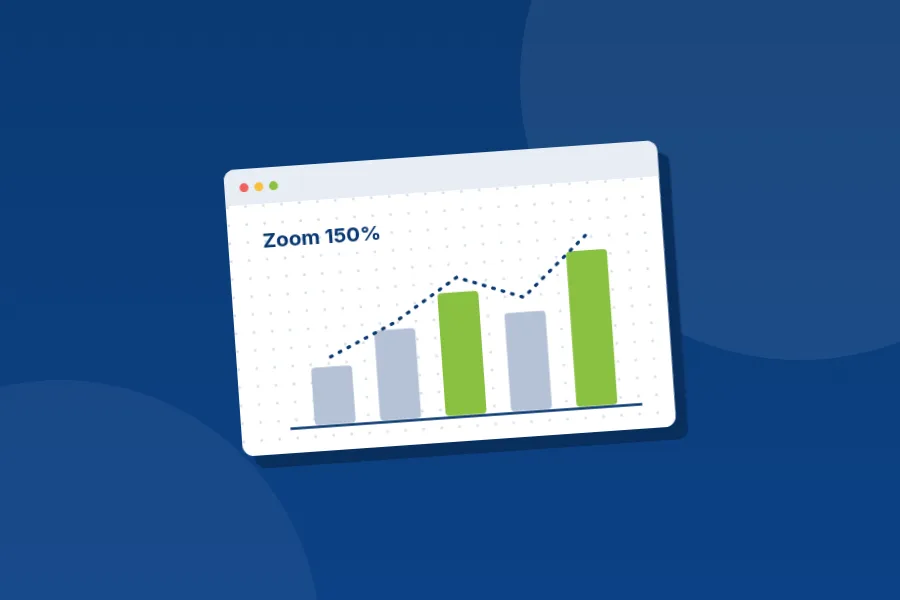
Minimapa, zoom y navegación en la pizarra digital: guía docente
Haz zoom del 25 % al 400 %, mueve la pizarra con la rueda del ratón, elige desplazar o zoom en Ajustes de la pizarra y usa el minimapa para no perderte.
-

-
29 Oct, 2026
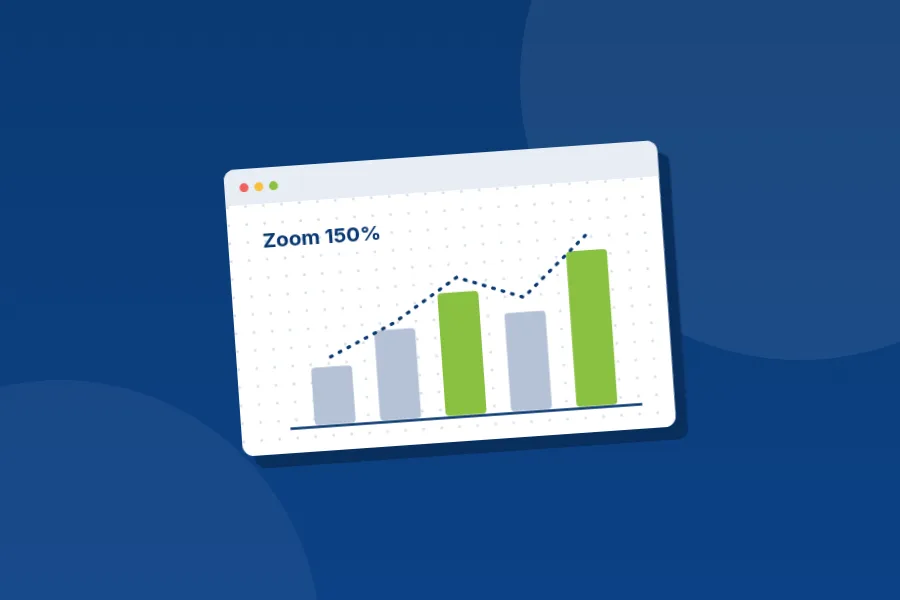
Whiteboard Minimap, Zoom and Navigation: A Teacher's Guide
Zoom from 25% to 400%, pan with the mouse wheel, choose scroll or zoom in Board settings and use the minimap to find your way around a big online whiteboard.
-
-
29 Oct, 2026
Cómo guardar la pizarra en Google Drive, en PDF o como imagen
Guarda una captura de la pizarra en Google Drive, Dropbox o OneDrive, descarga toda la sesión en PDF o guarda una pestaña como imagen. Guía paso a paso.
-
-
29 Oct, 2026
How to Save Your Whiteboard to Google Drive, PDF or an Image
Save a screenshot of the board to Google Drive, Dropbox or OneDrive, download the whole session as a PDF, or save a board tab as an image. Step-by-step guide.
-
-
29 Oct, 2026
Chat y archivos compartidos en clase online: guía para docentes
Usa el chat de la clase para dudas, mensajes privados, archivos, notas de voz y capturas de la pizarra, y decide quién puede adjuntar. Guía práctica docente.
-

-
29 Oct, 2026
Chat and File Sharing in an Online Class: A Teacher's Guide
Use the class chat for questions, private messages, files, voice notes and board snapshots, and decide who may send attachments. A practical teacher guide.
-
-
29 Oct, 2026
Libreta y bloc de dibujo en clase online: guía de apuntes
Cómo alumnos y docentes guardan apuntes privados, dibujos y capturas de la pizarra en una clase online con la libreta y el bloc de dibujo de Educastic.
-
-
29 Oct, 2026
Notebook and Sketch Pad in an Online Class: Private Notes Guide
How students and teachers keep private notes, sketches and board screenshots in a live online class with Educastic's Notebook and Sketch Pad, step by step.
-
-
29 Oct, 2026
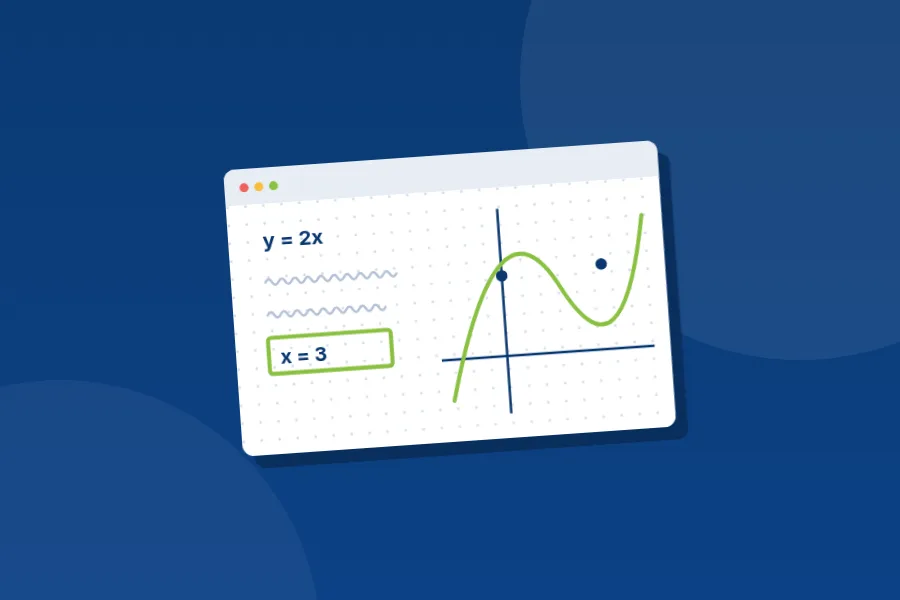
Herramientas de matemáticas en la pizarra digital: guía práctica
Aprende a escribir ecuaciones, graficar funciones con Desmos, usar papel cuadriculado o plano cartesiano y abrir una calculadora científica en clase online.
-
-
29 Oct, 2026
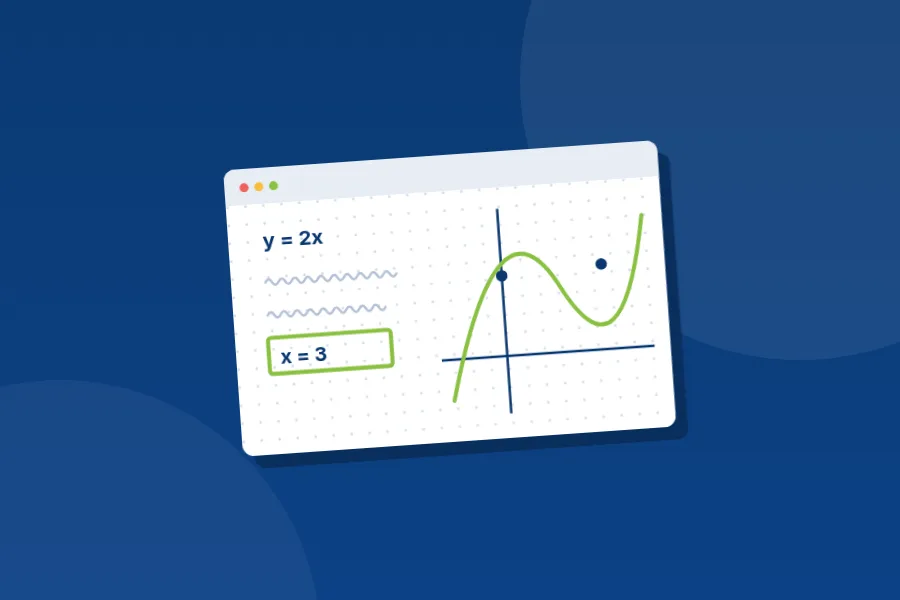
Math Tools on an Online Whiteboard: Formulas, Graphs and Grids
How to type equations, graph functions with Desmos, switch to graph or coordinate paper and use a scientific calculator during a live online math lesson.
-
-
29 Oct, 2026
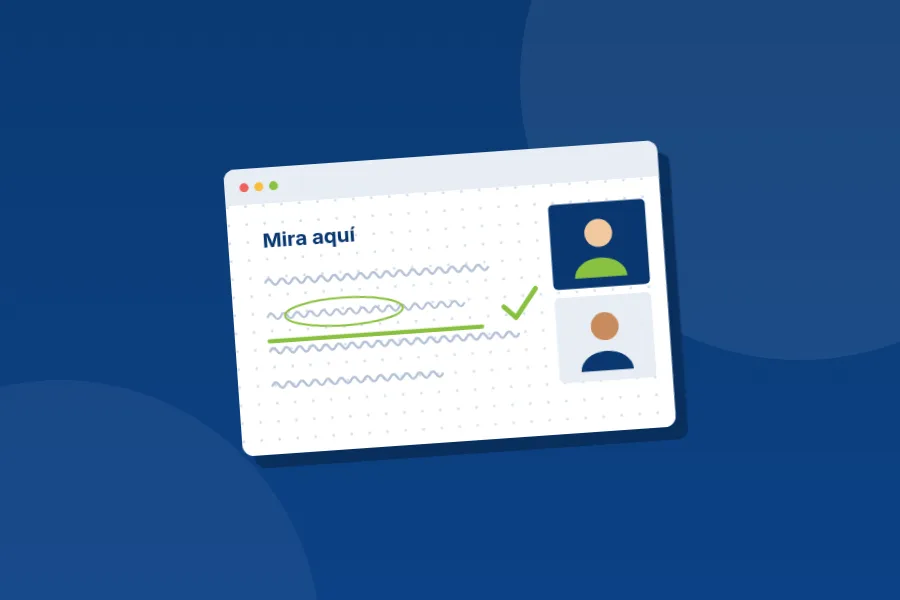
Puntero láser y cursores en vivo en la pizarra digital: guía
Señala sin dejar marcas: usa un puntero láser que se desvanece, muestra tu cursor a la clase, mira dónde señalan tus alumnos y elige un puntero visible.
-
-
29 Oct, 2026
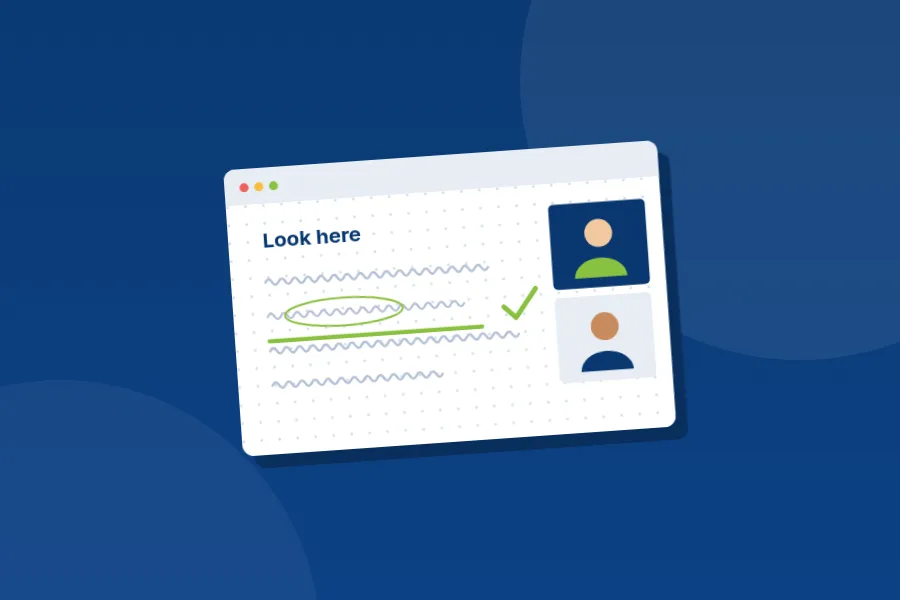
Laser Pointer and Live Cursors on an Online Whiteboard: A Guide
Point without leaving marks: use a fading laser pointer, show students your cursor, see where they point and pick a pointer they can spot on any screen.
-
-
29 Oct, 2026
Showing 37 to 48 of 114